
Answer in brief
A finished video is accepted where it will actually play: on a phone, held at arm's length, with the sound off. Here is the order of the checks — opening, text, colour, exports — and the files you should receive at handover.
The short answer: how to accept a finished video
Accept the video where it will actually play: on a phone, at the brightness you normally use, held at arm's length, with the sound off. An editing monitor with speakers shows you the work, not what a viewer gets in a feed.
Run the checks in a fixed order: does the first second hold, is the on-screen text readable with the sound off, does the colour match from cut to cut, are the exports right for every placement, and did you receive the full set of files.
Watch it once straight through without taking notes, because a first impression cannot be recreated afterwards. Then watch it again with the list open and a timecode beside every comment, since that is the pass that produces usable feedback.
The order saves you a revision round. Notes about the opening and the text rebuild the edit as a whole, while notes about colour and exports touch only the final stage, so the structural decisions are settled before the cosmetic ones.
Acceptance conditions: screen, volume, distance
A laptop with a calibrated screen and external speakers is the wrong place to sign anything off. Text is larger there, sound is cleaner, and your attention belongs to the video alone, while in a feed the clip has none of those advantages.
Pick up the phone you actually scroll on, leave the brightness where it sits during your working day, and hold it at your usual distance. Take the headphones off: the built-in speaker tells you honestly whether the speech is intelligible.
If the clip is going to a specific placement, view it there — as a draft post or in preview. The interface covers the edges of the frame, and in place that shows up at once, while an editing player never shows it at all.
Write every comment with a timecode: 0:03, the caption slides under the button, rather than the opening does not work for me. A timecoded list turns into revisions in one pass; a list of impressions comes back to you as questions.
The first second: does the opening hold
The first second decides whether the rest gets watched, so it is checked separately and checked before anything else. Look only at what appears immediately: the subject, the movement, and the reason to stay for another beat.
Check three things. Whether a second is enough to tell what the clip is about. Whether there is movement or a cut instead of a static hold. And whether it opens on a logo with nothing happening behind it.
Look at the cover frame on its own, because platforms show it before playback begins. It has to work as a still picture: a recognisable subject, no blurred half-movement, no caption caught halfway through being typed.
An opening note is usually solved by reordering shots you already have rather than by shooting again. Raise it early, though: moving the opening on a second revision round costs more time than moving it on the first.
Text with the sound off: readable at arm's length
Mute the clip and watch it end to end. If the meaning disappears without sound, the problem sits in the edit rather than the captions: the picture is not carrying the story, and the text that would rescue it will not fit on screen.
Judge size and duration together. A line has to be readable on a phone in motion, not merely legible once you have paused the clip yourself in order to inspect it, which is the version of the test that always passes.
For contrast, use the WCAG 2.2 thresholds as your reference: 4.5:1 for normal text and 3:1 for large text, meaning 18 pt or 14 pt bold and above. A white caption over a bright background falls short, so it needs a plate or an outline.
If the clip is embedded on your site, captions for prerecorded video are a Level A requirement under WCAG 2.2 success criterion 1.2.2, not decoration. Confirm that they exist and that they do not drift out of sync after a cut.
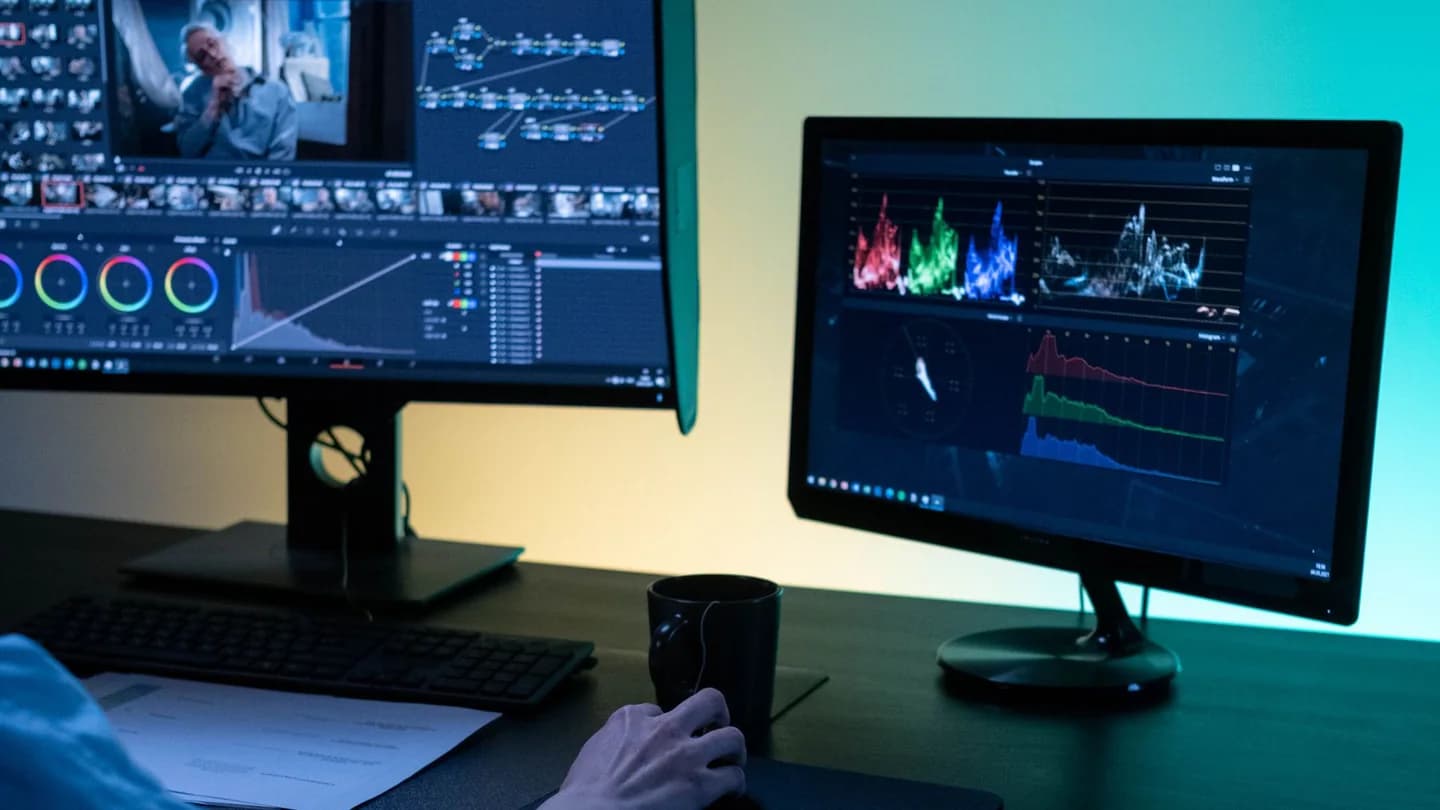
Colour: does the picture match from cut to cut
Takes shot at different times or on different cameras arrive with a different white balance. In the edit that reads as a jump: neighbouring shots differ in warmth, and attention goes to the mismatch instead of the message.
Compare three anchors: skin tones, anything white in frame such as a shirt, a wall or a sheet of paper, and your brand colour if it appears. The eye reads those quickly, and a mismatch shows up even on a casual viewing.
Check on the phone and decide on the phone. A second monitor has its own colour rendering, and notes written against it will send you straight back to the same mismatch on the device your audience is holding.
Grading is a stage of the work in its own right. Campaign Edit at $180 carries two revision rounds on the cut and one on the grade, which is reason enough to keep colour notes in a list separate from edit notes.
Sound: intelligible on a phone speaker
Turn the sound on through the built-in speaker and listen to the speech. A phone speaker drops the low end, so a mix that felt full in headphones easily turns into a mumble sitting underneath the music.
Check the balance first: the voice should sit above the music without you leaning in. Then walk the cuts, because joins are where a jump in level or a line clipped on an intake of breath tends to survive review.
Listen to the ending. The music should not stop mid-bar, and the last word should not run into the edge of the file: half a second of tail is what makes an ending sound finished rather than severed.
If there are several clips, compare them against each other. In a pack of edits an uneven speech level is obvious the moment a viewer moves from one to the next without touching the volume control.
Pacing and the last frame
Judge the pacing in one uninterrupted viewing. Mark the moments where your thumb starts to move: usually a long shot with nothing changing, a point that has already been made, or a pause left over from the take.
The opposite note weighs just as much. Where a shot carries text or a number, it has to hold longer than feels necessary to you, because you know the content already and the viewer is reading it for the first time.
Hold the last frame long enough to be read: the address, the name, the action you are asking for. Check that the edit has not clipped it and that no stray black frames are sitting behind it.
Phrase pacing notes as a timecode plus an action: 0:12 to 0:15, cut in half; 0:22, hold a second longer. The word punchier without a timecode comes back as a question and spends a revision round on nothing.
Exports: which files for which placement
One file rarely covers every placement. A vertical clip, a square version for the feed and a horizontal cut for the site are separate exports, and the list of them is agreed before the edit rather than after delivery.
Check the container and the codec for compatibility. MP4 carrying H.264 video and AAC audio is broadly supported by web players and platforms, which makes it a practical delivery choice; the MDN guide to media container formats sets out what plays where.
Compare resolution and frame rate against the source. Footage shot in 4K and delivered at 720p loses its edge on a phone, and 30 fps material exported at 60 does not become any smoother on the way out.
Single Reel at $70 includes exports for every vertical placement alongside captions and a licensed track, so there is no separate budget line for repackaging the same edit into a different frame later on.
The handover: what you should receive
Acceptance ends with files, not with an approved link. Agree in advance what counts as delivery: which files, under which names, and into which folder they will be placed once the work is closed out.
Ask for a master at full quality plus the individual exports for each placement. The master is what you will need in six months, when a new placement appears with different requirements for aspect ratio.
If captions are burned into the picture, check that a clean version without them exists as well, because that is what a second language starts from. If they run as a separate track, ask for the caption file along with the video.
Put the cover frame on the list too. Otherwise the platform picks one for you, and the shopfront ends up showing a random frame with closed eyes or a caption caught halfway through a line.
Revisions: how many rounds and how to write them
The number of revision rounds differs by package. Single Reel at $70 includes one round. Reels Pack at $90 includes two rounds on the edit. Reels Pack Express at $150 includes one round.
Collect the notes from everyone who watched into a single list. Five separate emails burn through a round faster than one message of thirty lines, and they raise the odds that two of the notes contradict each other.
Keep one shape for every note: timecode, what you see, what it should be. 0:07, the caption crosses the face, raise it above the chin line works; please fix the caption does not work at all.
Separate revisions from new work. A different presenter, a different script, a different runtime is a new job rather than a round of changes, and it belongs in its own conversation instead of inside the sign-off.
Timelines: what the studio controls and what you do
Single Reel at $70 takes 1-2 working days. Reels Pack at $90 takes 1-2 working days from footage delivery, which means the clock starts when the material arrives rather than when the brief is sent over.
Reels Pack Express at $150 runs to 1 working day, with a 24-hour turnaround from footage and one round of revisions. That pace only holds if the footage is ready and someone has been named in advance to accept the result.
Campaign Edit at $180 takes 3-5 days and delivers a hero cut plus short derivatives from it. It carries two revision rounds on the cut and one on the grade, which is why colour notes travel in a pass of their own.
Monthly Content Engine at $290/mo runs as a monthly cycle, with the volume agreed at the start of each cycle and 30 days notice to stop. At that rhythm acceptance goes into the calendar as a recurring slot.
Scope limits: what the packages do not include
Single Reel does not include shooting, scripting or actors. It is an edit of your material with captions, a licensed track and exports for every vertical placement, which is a narrower job than a production from scratch.
Reels Pack covers up to 5 edits and does not include filming — you supply the footage. That is also what sets the clock: 1-2 working days from footage delivery, counted from the moment the material lands.
Campaign Edit does not include licensed music: the licence is purchased by you. Reels Pack Express does not include shooting, or licensing beyond the supplied track, and both are worth settling before the day begins.
Monthly Content Engine does not include filming days or paid stock. Check these boundaries before you accept, because some notes that feel like revisions are in fact asking for work the package never contained.
Practical checklist
- Watch the first version on a phone, with the sound off and without taking notes.
- Attach a timecode to every comment before you send the list.
- Test caption legibility at your normal viewing distance, not on a pause.
- Compare skin tones and anything white in frame across neighbouring shots.
- Request exports for every placement plus a separate cover frame.
- Merge everyone's notes into one message before a revision round starts.
Questions and answers
Where do I start when accepting a video?
On a phone with the sound off. Watch it once straight through without notes, then run the second pass in order: first second, text legibility, colour across cuts, exports and the set of files. Record every comment with a timecode.
What does the edit cost and how many revision rounds are included?
Single Reel is $70 with 1 round. Reels Pack is $90, up to 5 edits, with 2 rounds on the edit. Campaign Edit is $180 with 2 rounds on the cut and 1 on the grade. Reels Pack Express is $150 with 1 round. Monthly Content Engine is $290/mo.
How quickly does a corrected version come back?
Single Reel takes 1-2 working days. Reels Pack takes 1-2 working days from footage delivery. Reels Pack Express runs to 1 working day with a 24-hour turnaround from footage. Campaign Edit takes 3-5 days. Monthly Content Engine runs as a monthly cycle.
Which files should I ask for at handover?
A master at full quality, individual exports for each placement, a cover frame, and a clean version without burned-in captions if captions are baked into the picture. Agree the file list before the work starts rather than after delivery.
What if the colour does not match between shots?
Keep colour notes in a separate timecoded list and describe where you see the drift: skin tones, anything white in frame, your brand colour. Campaign Edit puts the grade in a revision round of its own, on top of the two rounds on the cut.